Import Bank of Baroda (BOB) Excel statement to Tally Prime or ERP 9 using Synergy Automation.
How to Download Bank of Baroda Statement as Excel
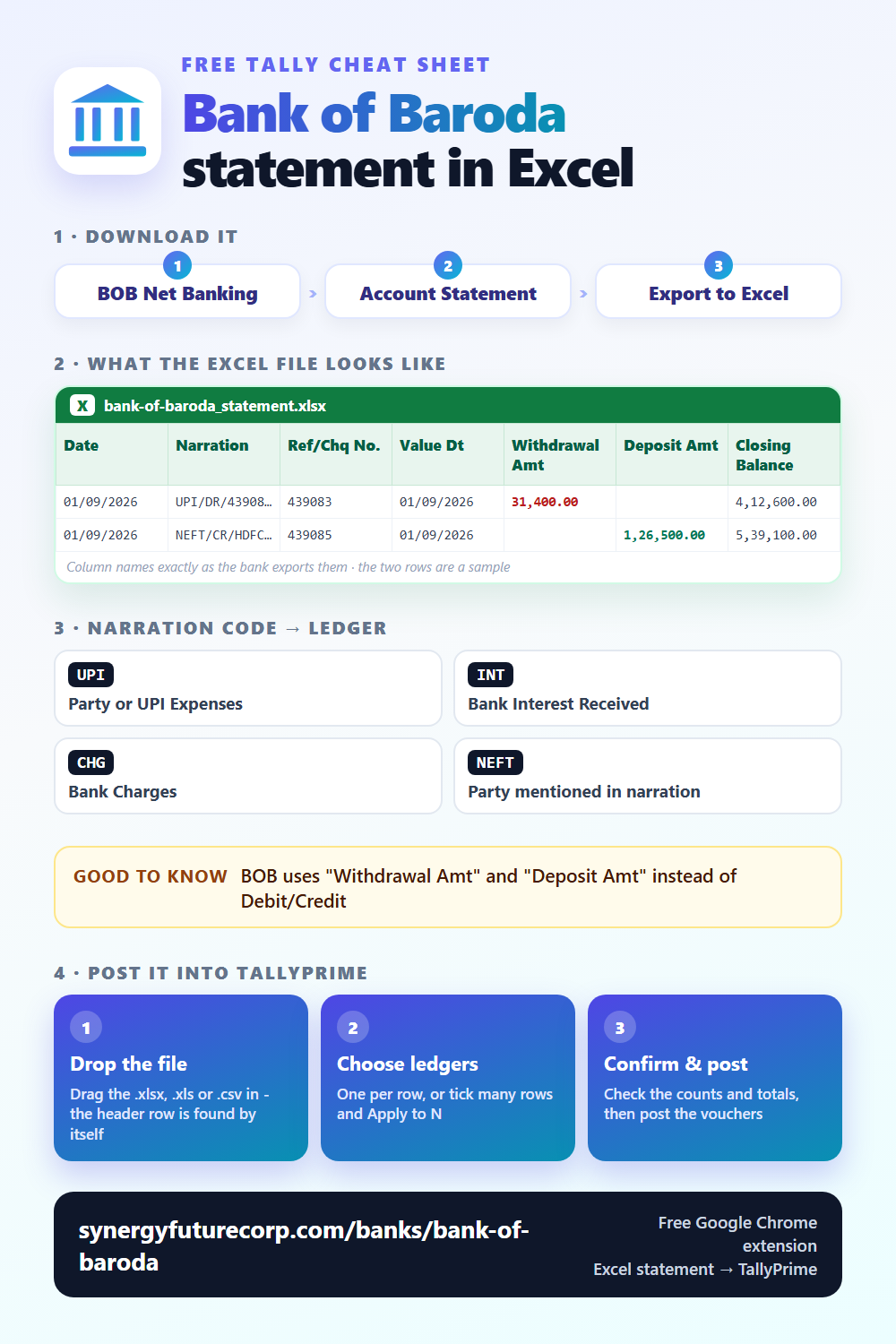
Where to find it: BOB Net Banking → Account Statement → Export to Excel
File format: BOB exports via bob World or BOB internet banking. Columns: Date, Narration, Ref/Chq No., Value Dt, Withdrawal Amt, Deposit Amt, Closing Balance.
<a href="https://synergyfuturecorp.com/banks/bank-of-baroda"><img src="https://synergyfuturecorp.com/infographics/free/bank-bank-of-baroda-free.png" alt="Bank of Baroda statement Excel columns - cheat sheet" width="500"></a>Step-by-Step: Bank of Baroda Statement to Tally
- Download your Bank of Baroda statement
Go to BOB Net Banking → Account Statement → Export to Excel. Select your date range and download as Excel (.xlsx or .xls). - Open Synergy Automation
Make sure Tally is open with the correct company. Make sure the Synergy Connector is running on the same PC. - Upload the Excel file
Drag and drop your Bank of Baroda Excel file into Synergy Automation. The system auto-detects the format. You will see all transactions parsed and listed. - Review every entry
Check narrations, amounts, dates. Assign Tally ledger accounts. Skip any entries you do not want in Tally. - Post to Tally
Click Post. Entries appear instantly in your open Tally company as bank payment and receipt vouchers. No XML, no file, no import dialog.
Bank of Baroda-Specific Notes
- BOB uses "Withdrawal Amt" and "Deposit Amt" instead of Debit/Credit
- bob World app and web banking produce the same Excel format
- Baroda Kisan accounts (agricultural) use the same column structure as savings accounts
Common Ledger Assignments for Bank of Baroda Transactions
| Narration Contains | Suggested Tally Ledger |
|---|---|
UPI | Party or UPI Expenses |
INT | Bank Interest Received |
CHG | Bank Charges |
NEFT | Party mentioned in narration |
Use these as a reference when assigning ledgers in the review table before posting to Tally.
Frequently Asked Questions
Q: Does Synergy Automation work with Bank of Baroda statement format?
Yes. Synergy Automation automatically detects the Bank of Baroda Excel statement format and parses columns correctly. No manual column mapping needed.
Q: Do I need to convert Bank of Baroda statement to XML before importing to Tally?
No. Synergy Automation posts entries directly from Excel to Tally — no XML file is created or needed. This is faster and simpler than traditional XML import methods.
Q: Is this free for Bank of Baroda statements?
Yes. Synergy Automation is free to use. No limits on banks, entries, or companies.